
make starting smaller.
one little gesture turns “i should get to work” into a running timer.
a tiny focus companion for your mac menu bar.
coming late august. already own pawl? download it here.


one little gesture turns “i should get to work” into a running timer.
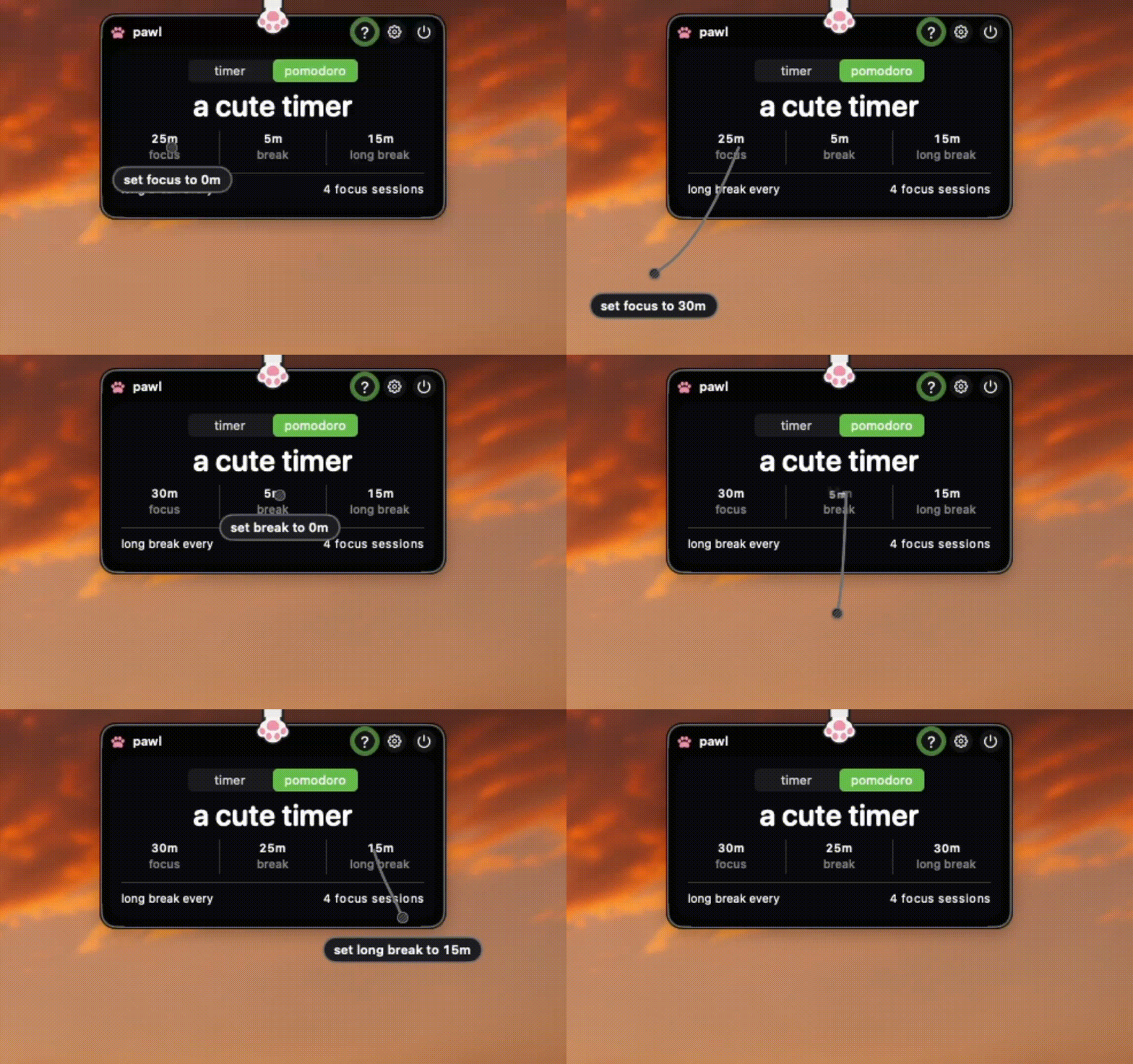
change your focus time, break time, and focus interval by just pulling on it.
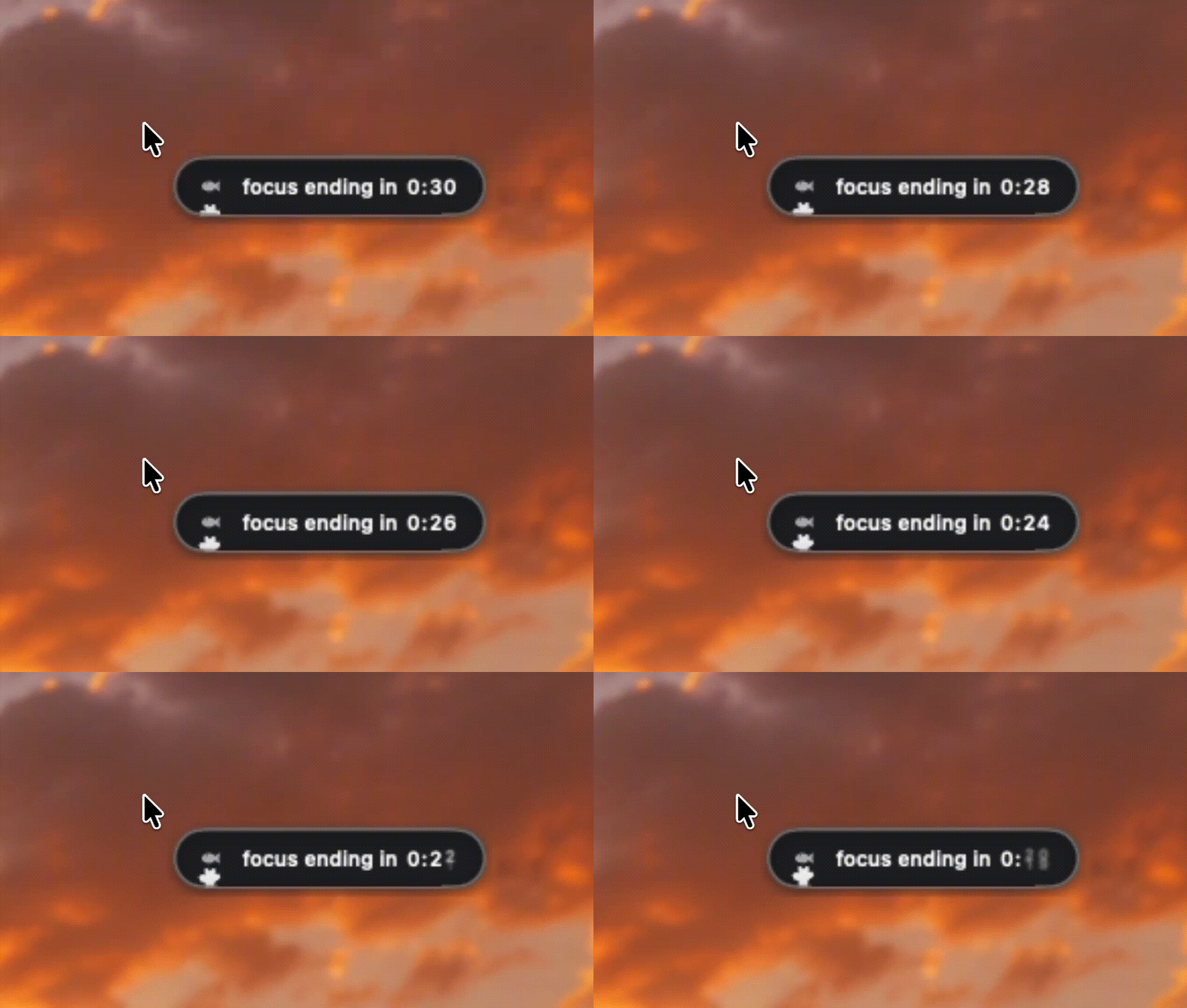
check your time at a glance. pawl lives in your menu bar, not another window.
pawl gives you a quiet heads-up when focus is almost done and playtime is close.
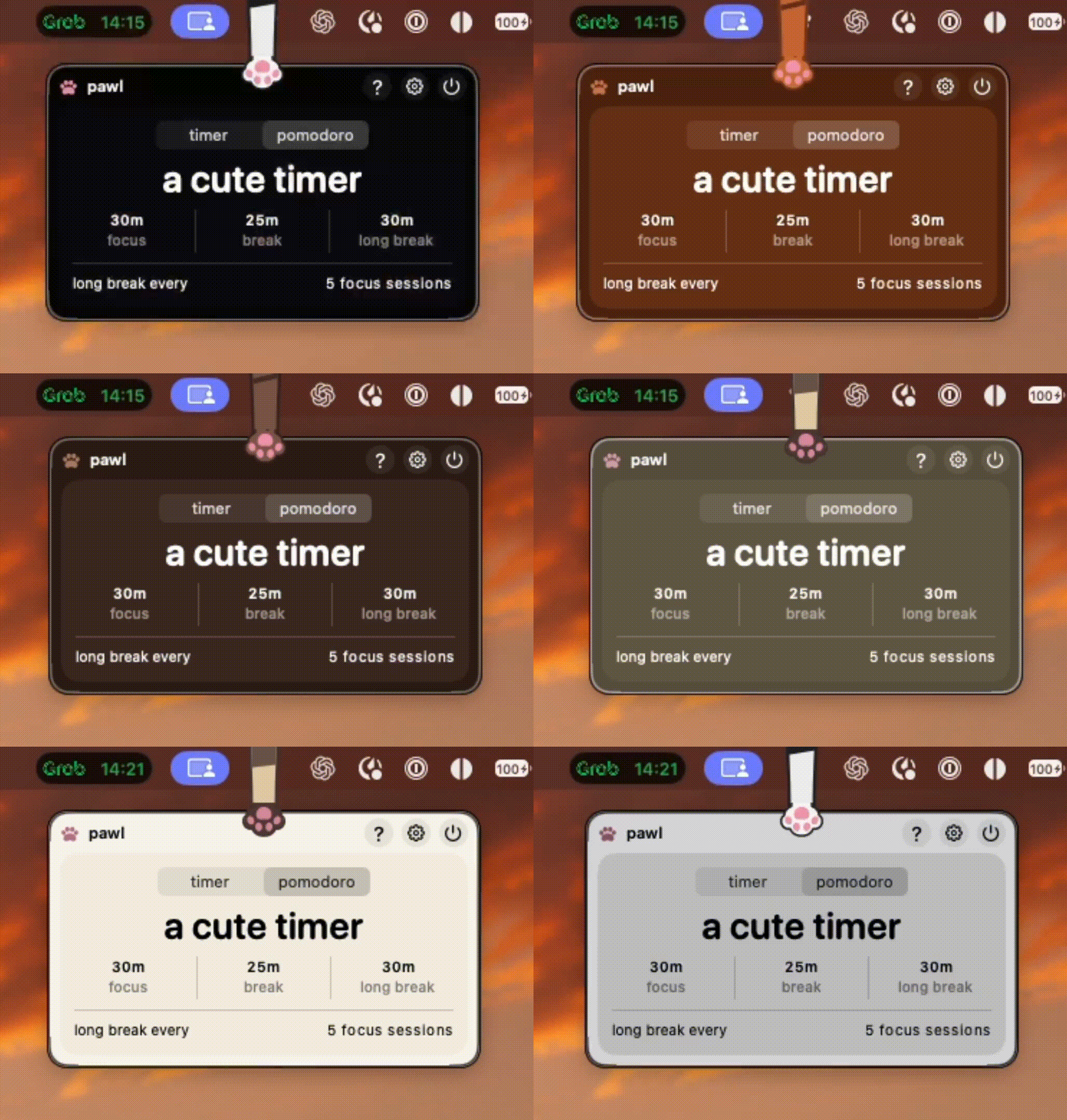
set the mood for your focus time. switch themes whenever you feel like a change of scenery.
from the people who’ve made pawl part of their day.
Very cute. Very feline. 10/10 productivity booster
Its so cute i forgot I am working
i have been using pawl since before its release to the public, and i can confidently say that managing time has never been more fun and engaging. it’s almost like having your own pet living in your laptop! it’s worth mentioning that may has been open about its development process, which is why i think it’s worth every buck. with a good app and a seasoned developer pawling my focus, what more could i ask for?
I’ve honestly never seen anything like Pawl before. It was SO CUTE and unique that I knew I had to get it! I’m so glad I found this app. It’s super easy to use and I use it whenever I need to focus. As someone with ADHD it makes focusing so much more fun.
I especially love the accessibility. As someone who’s deaf, the heads up when the timer is almost finished is such a thoughtful feature something most focus timers don’t consider. And the little purring sound at the end makes it even more adorable
i actually don't use the timer much, i just drag the paw when i miss my cat
pawl comes with eight lovable paws to start. more paws (and other variants, including dogs) are coming in the future.


$9.99
are you a student? save 50% off the regular price when buying pawl.
small answers to the questions humans usually have.
pawl is a tiny focus companion that lives in your mac menu bar. pull on your paw to start a focus timer, check how much time is left at a glance, and take a break when you’re done, or you can detach it and keep it pinned always.
just pull the paw or click the start button (available on the clock layout)
pawl can work like a pomodoro timer, but you’re not stuck with one specific setup. you can adjust your focus time, break time, and interval to fit the way you like to work.
yep, though we have the option to detach it by clicking the pin icon. pawl is designed to live in your mac menu bar, so your timer is always nearby without another app window getting in the way.
yes. pawl gives you a quiet configurable heads-up shortly before your focus time ends, so your break doesn’t sneak up on you!
yes! you can switch themes whenever you want a different mood, and choose the paw that feels most like yours.
pawl comes with eight paws to start:
more paws and other variants are planned for the future, including dogs.
yes, but in the future! fun fact: dogs are one of our most asked pets and we're working towards it.
pawl is built around making your focus companion yours, so you can switch between the available paws rather than being permanently stuck with one.
pawl costs $9.99 USD. you buy it once and keep it forever. there's no subscription.
yes. students can save 50% by verifying with a student email, bringing pawl down to $4.99 USD.
pawl requires macos 14 or newer.
right now, pawl is made for macos, future support is in the roadmap though.
pawl is tiny in more ways than one. the current direct Mac build is only around ~7 MB.
if you already own pawl, you can download the latest build from the download page on pawl.cat/download.
pawl has a releases page for version updates, fixes, and small improvements, plus a roadmap for things being worked on or considered.
send a note to hey@pawl.cat. to make the mystery easier to solve, include:
please don’t send passwords, payment information, or anything else sensitive.
yes. pawl is still growing, with more paws and variants already planned. you can follow the roadmap and release notes on pawl.cat to see what’s coming next.
because sometimes the smallest thing standing between you and starting is one little paw. pull it and get to work.
ready to start pawling?